
Smartphones have become an essential part of modern life, storing personal photos, financial information, emails, passwords, and sensitive business data. As mobile technology continues to evolve, cyber threats are becoming more advanced as well. Without proper security measures and regular updates, smartphones can become vulnerable to hackers, malware, and data breaches.
Fortunately, keeping your smartphone secure does not require advanced technical knowledge. By following a few practical habits, you can significantly improve your device’s security while maintaining optimal performance and privacy.
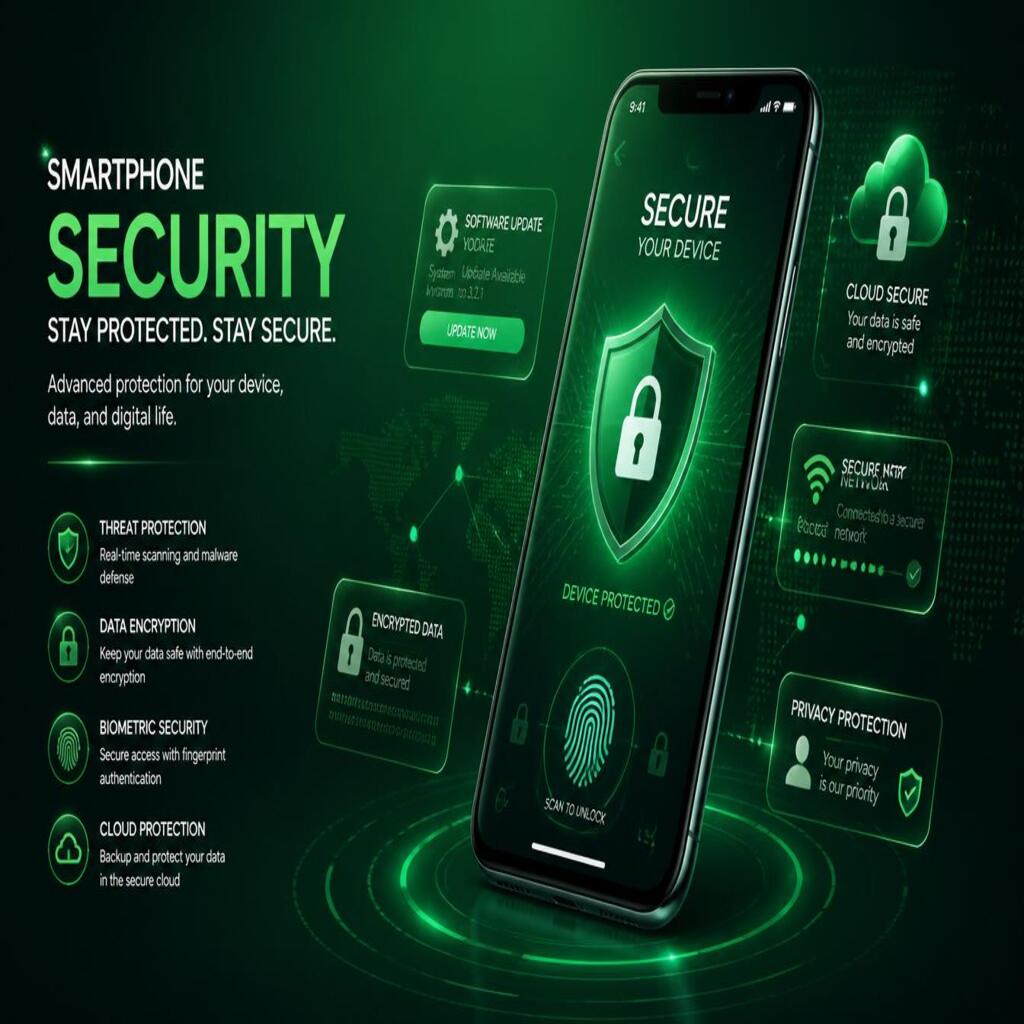
1. Keep Your Operating System Updated
One of the most important steps in smartphone security is installing software updates regularly. Operating system updates often include:
- Security patches
- Bug fixes
- Performance improvements
- Protection against newly discovered threats
Cybercriminals frequently target vulnerabilities in outdated systems. When manufacturers release updates, they are often fixing security flaws that hackers may exploit.
To stay protected:
- Enable automatic updates
- Check for updates regularly
- Install updates as soon as they become available
Both Android and iPhone devices provide built-in update management tools that make this process simple.
2. Use Strong Passwords and Biometric Security
Weak passwords are one of the biggest security risks for smartphone users. Avoid using simple combinations such as:
- 123456
- Birthdates
- Repeated numbers
- Easy patterns
Instead, create strong passwords that combine:
- Uppercase letters
- Lowercase letters
- Numbers
- Symbols
You should also enable biometric security features such as:
- Fingerprint recognition
- Face ID
- Facial recognition
These features add an extra layer of protection and make unauthorized access more difficult.
3. Download Apps Only from Trusted Sources
Malicious applications can steal personal information, track activity, or infect your device with malware. To reduce this risk:
- Use official app stores only
- Avoid downloading APK files from unknown websites
- Check app reviews and ratings
- Verify app developers before installation
Official stores like Google Play and the Apple App Store perform security checks that help identify harmful apps before they reach users.
4. Enable Two-Factor Authentication
Two-factor authentication (2FA) adds additional protection to your online accounts. Even if someone discovers your password, they still need a second verification method to access your account.
Common 2FA methods include:
- SMS verification codes
- Authentication apps
- Biometric confirmation
- Security keys
Enable 2FA for:
- Email accounts
- Banking apps
- Social media
- Cloud storage services
This simple feature dramatically improves account security.
5. Be Careful with Public Wi-Fi
Public Wi-Fi networks in cafes, airports, and hotels are convenient but often insecure. Hackers can sometimes intercept data transmitted over unprotected networks.
When using public Wi-Fi:
- Avoid online banking
- Do not enter sensitive passwords
- Use a trusted VPN service
- Disable automatic Wi-Fi connections
A Virtual Private Network (VPN) encrypts your internet traffic and helps protect your data from unauthorized access.
6. Regularly Review App Permissions
Many apps request permissions that are unnecessary for their functionality. Some applications may access:
- Your location
- Camera
- Microphone
- Contacts
- Storage
Review app permissions regularly and disable anything that seems excessive or suspicious.
For example, a flashlight app should not require access to your contacts or microphone.
7. Backup Your Data Frequently
Unexpected situations such as theft, hardware failure, or malware attacks can result in data loss. Regular backups ensure your important information remains safe.
You can back up:
- Photos
- Videos
- Contacts
- Documents
- Messages
Popular backup options include:
- Google Drive
- iCloud
- External hard drives
- Secure cloud services
Automatic backups are highly recommended for convenience and reliability.
8. Install Mobile Security Software
Reliable mobile security apps can provide additional protection against:
- Malware
- Phishing attacks
- Unsafe websites
- Device tracking threats
Many antivirus applications also include features like:
- Device scanning
- App privacy analysis
- Anti-theft tools
- Safe browsing protection
Choose well-known and trusted security providers for the best results.
9. Avoid Phishing Scams and Suspicious Links
Cybercriminals often use fake messages, emails, or websites to trick users into revealing personal information.
Be cautious when:
- Clicking unknown links
- Opening suspicious attachments
- Responding to urgent security alerts
- Downloading files from strangers
Always verify website addresses and avoid sharing sensitive information through unsecured channels.
10. Enable Find My Device Features
Modern smartphones include built-in tracking and remote management features such as:
- Find My iPhone
- Find My Device for Android
These tools allow you to:
- Locate a lost phone
- Lock the device remotely
- Erase sensitive data
- Trigger an alarm
Activating these features before losing your phone can protect your information and improve recovery chances.
Final Thoughts
Smartphone security is more important than ever in today’s digital world. By keeping your device updated, using strong passwords, enabling two-factor authentication, and staying cautious online, you can greatly reduce the risk of cyber threats.
Good security habits not only protect your personal information but also improve your device’s performance and reliability. Taking a few preventive measures today can save you from major problems in the future.