
Smartphones have become an essential part of everyday life. We use them for communication, work, entertainment, shopping, navigation, and even managing our health. Yet, despite spending hours on our devices daily, many users only scratch the surface of what their smartphones can actually do.
Modern smartphones come packed with hidden features designed to improve productivity, security, battery life, and user experience. Whether you use Android or iPhone, discovering these features can completely change the way you use your device.
In this article, we’ll explore some of the most useful hidden smartphone features every user should know.
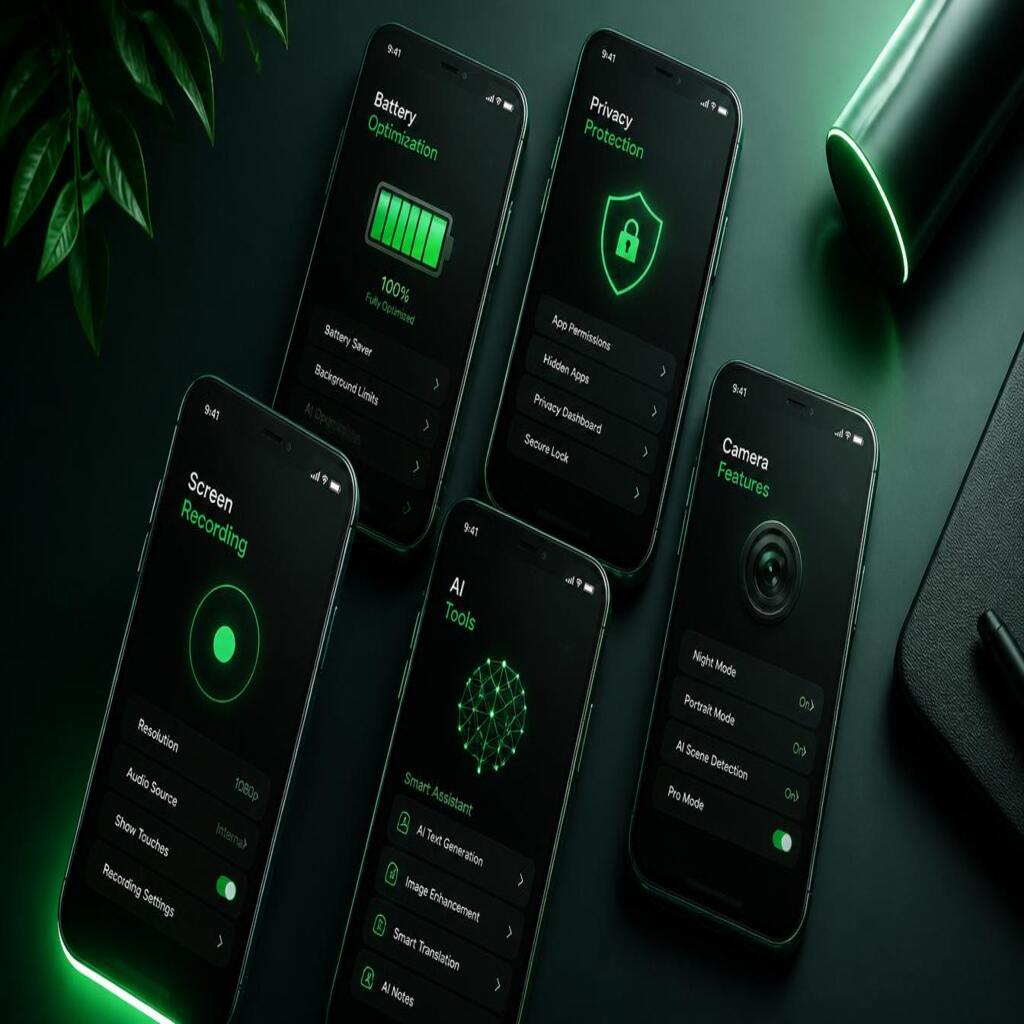
1. Back Tap Shortcuts
Many smartphones now allow users to perform actions simply by tapping the back of the phone.
For example, on some devices you can:
- Take screenshots
- Open the camera
- Launch apps
- Turn on the flashlight
- Activate voice assistants
This feature saves time and makes navigation easier, especially when multitasking.
2. Built-In Screen Recording
A lot of users install third-party apps to record their screens without realizing that most modern smartphones already include this feature.
Screen recording is useful for:
- Creating tutorials
- Recording gameplay
- Saving live streams
- Reporting app issues
You can usually find it inside the quick settings panel.
3. Hidden One-Handed Mode
Large smartphone screens are great for watching videos, but they can be difficult to use with one hand. That’s why many devices include a hidden one-handed mode.
This feature temporarily shrinks the screen, making it easier to:
- Reach icons
- Type comfortably
- Navigate quickly
It’s especially useful while walking or carrying something in your other hand.
4. App Permission Control
Many apps request access to your camera, microphone, contacts, and location even when they don’t actually need them.
Modern smartphones allow users to:
- See which apps are tracking them
- Disable unnecessary permissions
- Limit location access
- Block background activity
Checking app permissions regularly can improve both privacy and battery life.
5. Smart Battery Optimization
Battery drain is one of the biggest smartphone complaints. Fortunately, hidden battery optimization tools can significantly extend battery life.
These tools help by:
- Restricting apps running in the background
- Reducing power usage
- Detecting battery-hungry apps
- Activating power-saving modes automatically
Most users never explore these settings, even though they can make a huge difference.
6. Focus and Do Not Disturb Modes
Notifications can quickly become distracting. Focus Mode and Do Not Disturb help users stay productive by silencing unnecessary interruptions.
You can customize them to:
- Block social media apps
- Silence calls during work
- Allow only important notifications
- Create schedules for sleep or study
This feature is perfect for students, professionals, and anyone trying to reduce distractions.
7. Hidden File Manager Features
Your phone’s file manager can do much more than simply store files.
Many users don’t know they can:
- Compress files into ZIP folders
- Hide private documents
- Transfer files wirelessly
- Clean unnecessary storage
Using these tools properly can help organize your device and free up space.
8. Emergency SOS Features
Modern smartphones include built-in emergency tools that can potentially save lives.
Depending on your device, emergency features may include:
- Sending your location to emergency contacts
- Quickly calling emergency services
- Sharing medical information
- Activating alerts with a button combination
It’s important to set up these features before an emergency happens.
9. Live Caption and Real-Time Translation
Artificial intelligence has introduced powerful accessibility features to smartphones.
Some devices now offer:
- Automatic subtitles for videos
- Real-time voice translation
- Live text recognition
- Audio transcription
These tools are incredibly useful for travel, learning languages, and accessibility support.
10. Hidden Camera Features
Most smartphone users only use basic camera modes, but modern cameras include advanced tools that improve photography dramatically.
Hidden camera features may include:
- Pro mode controls
- Night photography
- Object erasing tools
- Motion tracking
- RAW photo capture
Learning how to use these settings can greatly improve photo quality without needing professional equipment.
Final Thoughts
Smartphones are far more powerful than most people realize. Hidden features can improve productivity, privacy, battery performance, security, and overall convenience.
Instead of downloading unnecessary apps, take some time to explore your phone’s built-in capabilities. You may discover tools that simplify your daily life and help you get more value from your device.
As smartphone technology continues to evolve, staying updated with these features can help you make the most of your digital experience.